
Short description
🔁 CopyPaper2Model is an AutoCAD and Civil 3D AutoLISP utility for transferring objects between Paper Space and Model Space through layout viewports.
📐 It uses viewport context, CHSPACE, VLA copy logic, layout filtering, and temporary DCL dialogs to preserve scale and placement during production drawing cleanup.
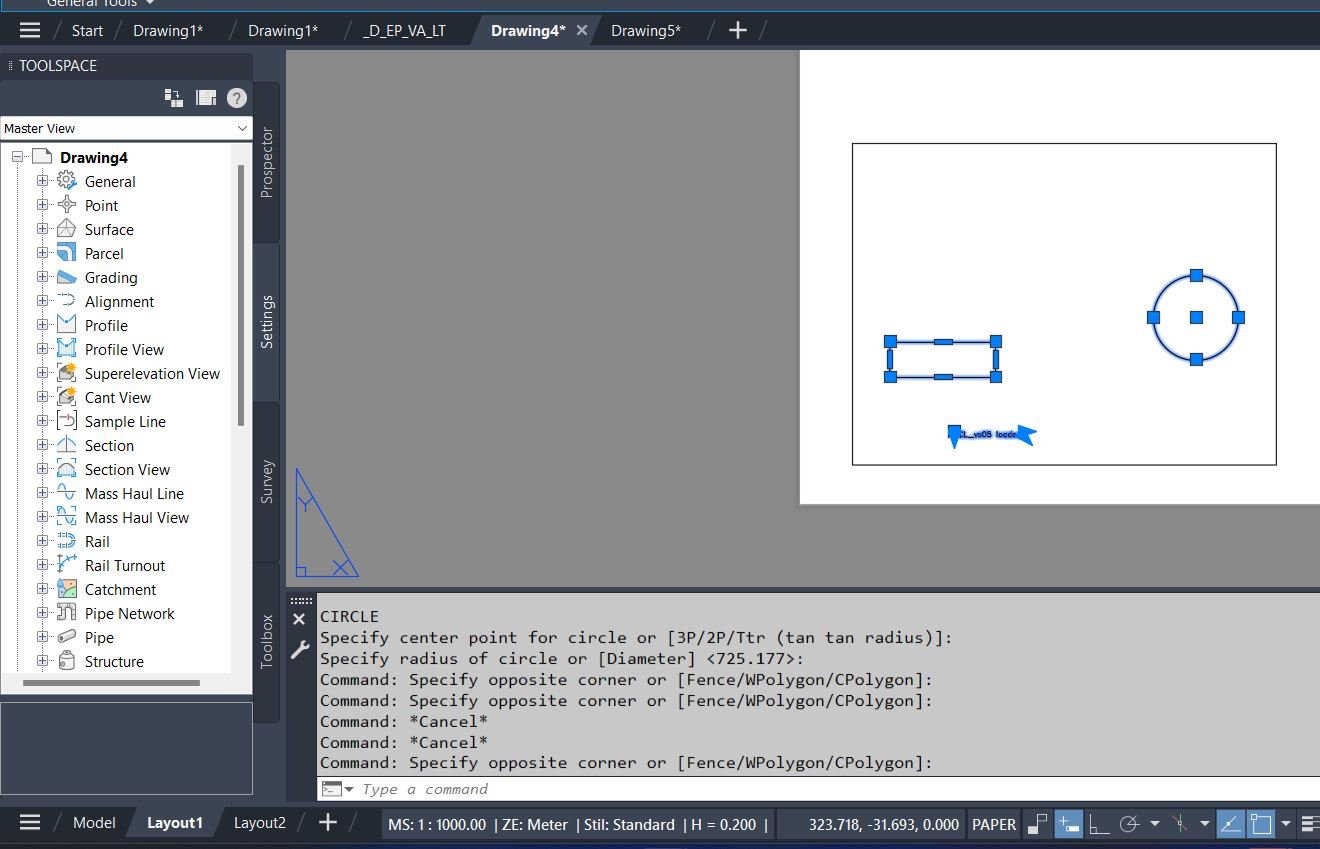
Command:
🚀 Main auto command: CPMS
📄 Paper Space to Model Space command: CopyPaper2Model
🖼️ Model Space to Paper Space command: MS2PS
🧰 The CPMS command auto-dispatches depending on the current space: Paper Space runs CopyPaper2Model, otherwise it runs MS2PS.
Description:
🔁 CopyPaper2Model is an SEO-friendly AutoCAD Paper Space to Model Space copy tool designed for layouts, viewports, and Civil 3D sheet production workflows.
📐 The routine copies selected Paper Space annotation or drafting objects, primes the chosen viewport, and uses AutoCAD CHSPACE to move the copied entities into Model Space at the correct viewport scale and position.
🖼️ The same LISP file also contains MS2PS logic for copying selected Model Space objects into Paper Space through selected layout viewports.
🧭 The tool is useful when sheet-based labels, notes, details, or construction markups must be converted back into real Model Space geometry without manually recalculating viewport scale.
📌 It includes DCL selection dialogs, layout filtering with wildcard patterns, viewport selection, viewport lock handling, and an undo-mark workflow.
Helper function: (if any)
🧩 cpms:write-dcl dynamically writes the temporary DCL interface for the ModelSpace-to-PaperSpace and PaperSpace-to-ModelSpace workflows.
🧩 cpms:layouts reads paper layouts from the active drawing and sorts them by layout tab order.
🧩 cpms:lay-vps collects usable viewport entities from each layout while excluding the primary paper-space viewport.
🧩 cpms:vp-lbl builds readable viewport labels with center coordinates and scale values.
🧩 cpms:vp-unlock and cpms:vp-relock preserve viewport lock states while activating a target viewport.
🧩 cpms:copy-each creates object copies through VLA copy calls before CHSPACE performs the final space conversion.
Functionalities:
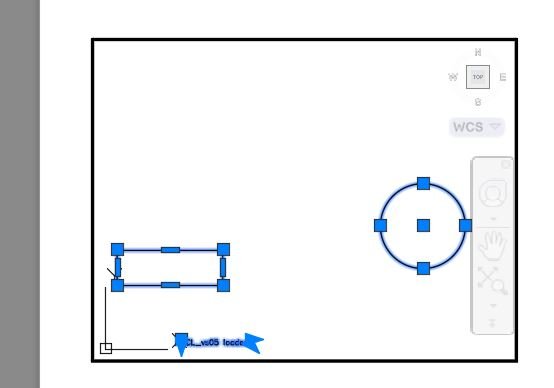
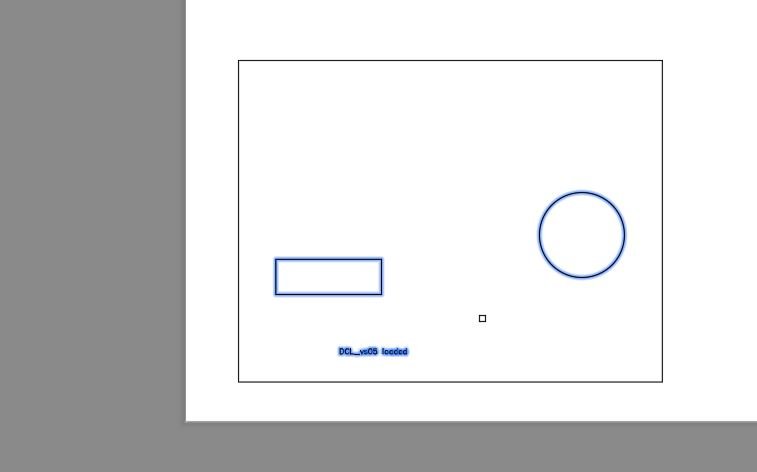
✅ Copy Paper Space objects into Model Space using a selected viewport as the scale and coordinate reference.
✅ Copy Model Space objects into Paper Space through all or selected layout viewports.
✅ Filter layout names using * and ? wildcard matching for fast selection in large sheet sets.
✅ Select all layouts, clear selections, choose all viewports, or manually choose specific viewport targets.
✅ Use horizontal scrolling for long layout names and viewport labels in the DCL list boxes.
✅ Temporarily unlock locked viewports, activate the correct CVPORT, then restore the previous lock state.
✅ Group operations inside an undo mark for easier rollback.
Result:
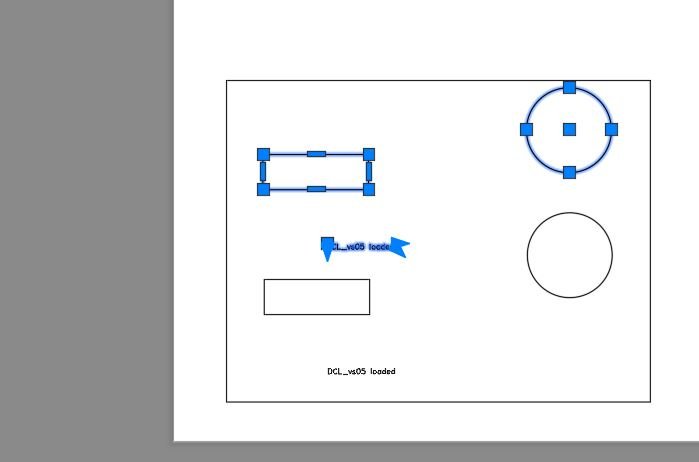
📤 The selected objects are copied rather than moved, preserving the original entities.
📐 Paper Space copies can be converted into Model Space at the correct viewport scale and location.
🖼️ Model Space copies can be placed into Paper Space viewports for selected layouts.
🔁 The CPMS dispatcher speeds up repeated CAD production work because the same command can be used from different drawing contexts.
Images, animations etc.
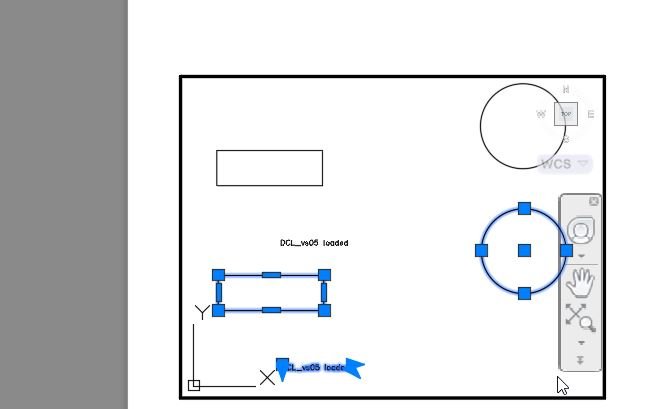
XAML code:
<ResourceDictionary
xmlns="http://schemas.microsoft.com/winfx/2006/xaml/presentation"
xmlns:x="http://schemas.microsoft.com/winfx/2006/xaml"
xmlns:src="clr-namespace:Autodesk.Windows;assembly=AdWindows">

<src:RibbonToolTip x:Key="CopyPaper2Model">
<src:RibbonToolTip.ExpandedContent>
<StackPanel>
<TextBlock Background="AntiqueWhite" TextAlignment="Left">
<Bold>Function Syntax: MS2PS / CopyPaper2Model / CPMS</Bold>
<LineBreak/>
<Hyperlink>https://www.lee-mac.com/ms2ps.html</Hyperlink>
<LineBreak/>


<Bold><Run Foreground="DodgerBlue">Description</Run></Bold><LineBreak/>
<Run Foreground="White">🔁 CopyPaper2Model is an AutoCAD and Civil 3D AutoLISP utility for copying objects between Paper Space and Model Space through layout viewports.</Run><LineBreak/>
<Run Foreground="LimeGreen">📐 It focuses on viewport-aware object transfer, using CHSPACE so copied geometry lands with the correct drawing scale, pan, and model/paper coordinate relationship.</Run><LineBreak/>
<LineBreak/>
<Bold><Run Foreground="DodgerBlue">Function Syntax</Run></Bold><LineBreak/>
<Run Foreground="White">🚀 Main auto command: </Run><Bold><Run Foreground="Orange">CPMS</Run></Bold><LineBreak/>
<Run Foreground="White">📄 Paper Space to Model Space command: </Run><Bold><Run Foreground="Orange">CopyPaper2Model</Run></Bold><LineBreak/>
<Run Foreground="White">🖼️ Model Space to Paper Space command: </Run><Bold><Run Foreground="Orange">MS2PS</Run></Bold><LineBreak/>
<LineBreak/>
<Bold><Run Foreground="DodgerBlue">SEO Optimized Overview</Run></Bold><LineBreak/>
<Run Foreground="White">🔎 This AutoCAD layout viewport copy tool helps CAD users convert sheet-space details, labels, notes, and drawing markups into correctly scaled model geometry.</Run><LineBreak/>
<Run Foreground="White">📄 CopyPaper2Model runs from Paper Space, lets the user select Paper Space objects, chooses the active layout viewport, and sends the copied objects into Model Space.</Run><LineBreak/>
<Run Foreground="White">🖼️ MS2PS is included for Model Space to Paper Space copying through selected layouts and selected viewport targets.</Run><LineBreak/>
<Run Foreground="White">🧰 CPMS works as an automatic dispatcher: Paper Space starts the paper-to-model workflow, while other contexts start the model-to-paper workflow.</Run><LineBreak/>
<LineBreak/>
<Bold><Run Foreground="DodgerBlue">Dialog Features</Run></Bold><LineBreak/>
<Run Foreground="White">🗂️ Temporary DCL dialogs are generated at runtime for layout and viewport selection.</Run><LineBreak/>
<Run Foreground="White">🔍 Layout names can be filtered with * and ? wildcard patterns.</Run><LineBreak/>
<Run Foreground="White">✅ Select All and Select None buttons accelerate large layout set selection.</Run><LineBreak/>
<Run Foreground="White">📐 Viewport lists show viewport center coordinates and calculated viewport scale.</Run><LineBreak/>
<Run Foreground="White">↔️ Horizontal scroll sliders make long layout and viewport names easier to inspect.</Run><LineBreak/>
<LineBreak/>
<Bold><Run Foreground="DodgerBlue">Important Functions and Calls</Run></Bold><LineBreak/>
<Run Foreground="White">🧩 </Run><Bold><Run Foreground="Orange">vla-copy</Run></Bold><Run Foreground="White"> duplicates the selected source entities before conversion.</Run><LineBreak/>
<Run Foreground="White">🧩 </Run><Bold><Run Foreground="Orange">CHSPACE</Run></Bold><Run Foreground="White"> performs the paper/model coordinate-space transformation.</Run><LineBreak/>
<Run Foreground="White">🧩 </Run><Bold><Run Foreground="Orange">CVPORT</Run></Bold><Run Foreground="White"> activates the target floating viewport context.</Run><LineBreak/>
<Run Foreground="White">🧩 </Run><Bold><Run Foreground="Orange">cpms:lay-vps</Run></Bold><Run Foreground="White"> collects usable layout viewports.</Run><LineBreak/>
<Run Foreground="White">🧩 </Run><Bold><Run Foreground="Orange">cpms:vp-unlock</Run></Bold><Run Foreground="White"> and </Run><Bold><Run Foreground="Orange">cpms:vp-relock</Run></Bold><Run Foreground="White"> preserve viewport lock states.</Run><LineBreak/>
<LineBreak/>
<Bold><Run Foreground="DodgerBlue">Typical Workflow</Run></Bold><LineBreak/>
<Run Foreground="White">1️⃣ Go to Paper Space and run CopyPaper2Model, or run CPMS and let the tool choose the correct workflow.</Run><LineBreak/>
<Run Foreground="White">2️⃣ Select the objects that need to be copied.</Run><LineBreak/>
<Run Foreground="White">3️⃣ Choose the viewport that represents the required model coordinate transform.</Run><LineBreak/>
<Run Foreground="White">4️⃣ The copied entities are sent through CHSPACE into the target drawing space.</Run><LineBreak/>
<LineBreak/>
<Bold><Run Foreground="DodgerBlue">Important Notes</Run></Bold><LineBreak/>
<Run Foreground="DarkRed">⚠️ The source file includes a note that the MS2PS branch is not working, so test the Model Space to Paper Space workflow before production use.</Run><LineBreak/>
<Run Foreground="White">🔒 Locked viewports are temporarily unlocked and relocked by the routine.</Run><LineBreak/>

<Bold><Run Foreground="Yellow">Tags</Run></Bold><LineBreak/>
<Run Foreground="Yellow">🏷️ AutoCAD, 🏷️ AutoLISP, 🏷️ Civil 3D, 🏷️ CHSPACE, 🏷️ Paper Space, 🏷️ Model Space, 🏷️ Layout Viewports, 🏷️ Viewport Scale, 🏷️ CAD Automation, 🏷️ Copy Paper To Model, 🏷️ Copy Model To Paper</Run><LineBreak/>


</TextBlock>
<Grid>
<Image Source="Image_000.jpg" Stretch="Uniform"/>
</Grid>

<Grid>
<Image Source="Image_001.jpg" Stretch="Uniform"/>
</Grid>

<Grid>
<Image Source="Image_002.jpg" Stretch="Uniform"/>
</Grid>

<Grid>
<Image Source="Image_003.jpg" Stretch="Uniform"/>
</Grid>

<Grid>
<Image Source="Image_004.jpg" Stretch="Uniform"/>
</Grid>
</StackPanel>
</src:RibbonToolTip.ExpandedContent>
</src:RibbonToolTip>
</ResourceDictionary>