
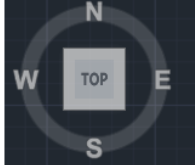
CubeDisplay_Off_On
This AutoLISP routine toggles the AutoCAD Navigation Cube (ViewCube) display by sending direct commands through the Active Document COM interface. It ensures that the cube display setting is refreshed properly by first turning it off and then immediately turning it back on.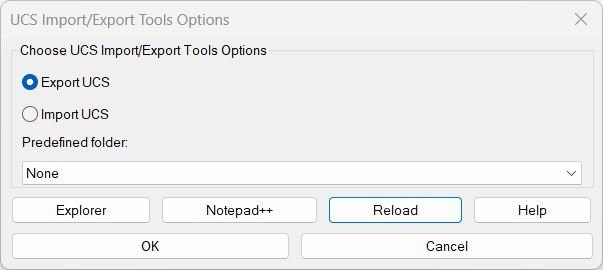
ExpImpUCS
🧭 ExpImpUCS is an AutoCAD and Civil 3D AutoLISP utility for exporting and importing named UCS definitions through a practical DCL dialog.
📤 It helps CAD users save UCS setups to portable .ucs files, restore coordinate systems in another drawing, and reuse project-specific UCS_Lageplan folders with fewer manual steps.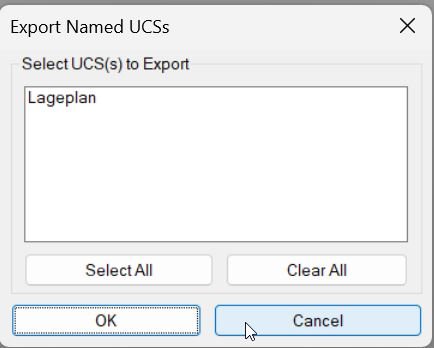
Export_Import_MS_UCS
🧭 Export_Import_MS_UCS is an AutoCAD AutoLISP utility for exporting and importing named UCS definitions through portable .ucs files.
📤 It helps CAD users transfer model-space UCS setups between drawings, preserve project coordinate systems, and reuse named UCS standards in AutoCAD and Civil 3D production workflows.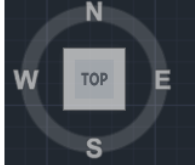
NavvCubeDisplayOffOn
🧭 NavvCubeDisplayOffOn is a compact AutoCAD AutoLISP utility for resetting the Navigation Cube display state with one command.
🔄 It runs the AutoCAD NAVVCUBEDISPLAY command sequence automatically, helping CAD users restore the ViewCube or NavVCube display without searching through interface settings.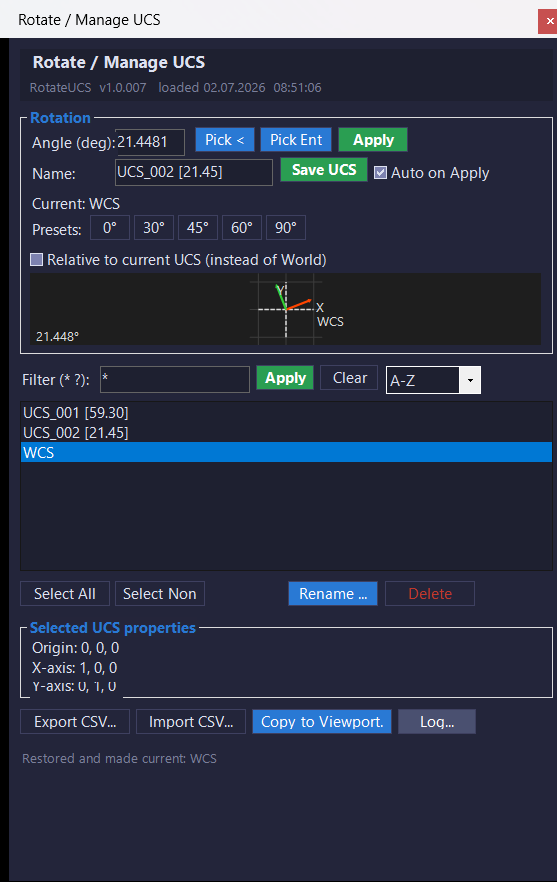
RotateUcs_vs.01
🧭 RotateUcsCs is an AutoCAD and Civil 3D C# .NET plugin that replaces a traditional RotateUCS AutoLISP DCL tool with a modeless WinForms UCS management palette. It helps users rotate UCS by typed angle, picked angle, or selected entity angle, save named UCS records, restore UCS definitions, export and import UCS data, copy UCS settings to layout viewports, and manage UCS workflows with a live preview, viewport highlight, and detailed logging.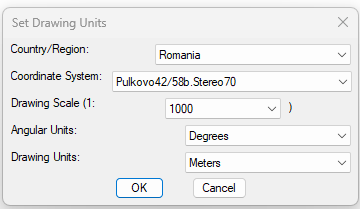
SetUpUnits
🌍 SetUpUnits is a Civil 3D AutoLISP utility for setting drawing units, coordinate systems, drawing scale, and angular units from one dialog.
🚩 It includes a country and region selector with live flag preview, making coordinate system selection faster and easier for CAD and Civil 3D production drawings.
Categories: AutoCAD_Lips
Categories: AutoCAD_Lips