
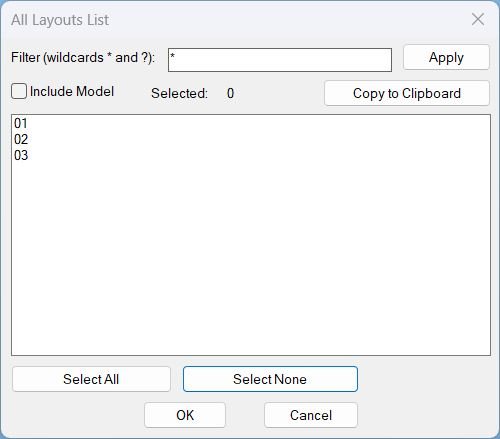
All_Layouts_list
📋 AutoCAD layout list dialog for filtering, multi-selecting, and copying layout names from a drawing.
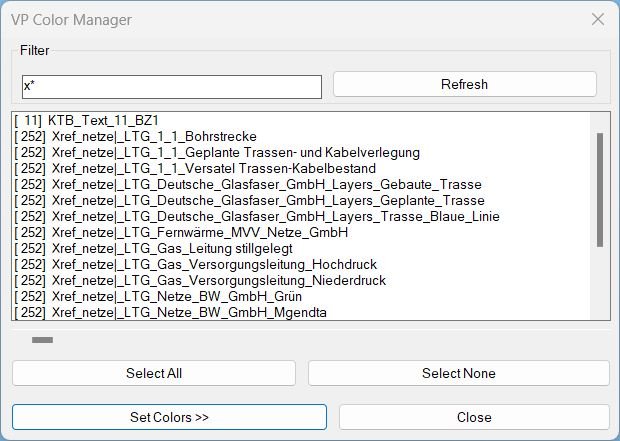
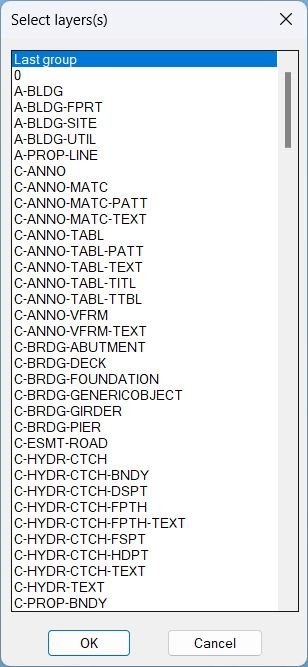
ChangeVPLayerColor
🎨 ChangeVPLayerColor is an AutoCAD and Civil 3D AutoLISP VP Manager for applying viewport layer color overrides across selected layout viewports.
🧰 It provides filtered layer selection, Bestand/Neu color presets, paginated preset configuration dialogs, target-layout selection, and VPLAYER-based VP color assignment.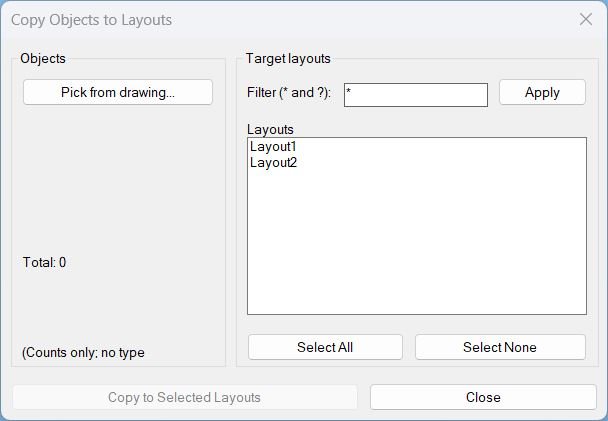
Copy2Layouts
📄 Copy2Layouts is an AutoCAD and Civil 3D AutoLISP utility for copying selected objects from the current drawing to multiple paper-space layouts from one DCL dialog.
🔍 It adds a wildcard layout filter, Select All / Select None, total selected object count, and VLA CopyObjects automation for faster sheet layout replication.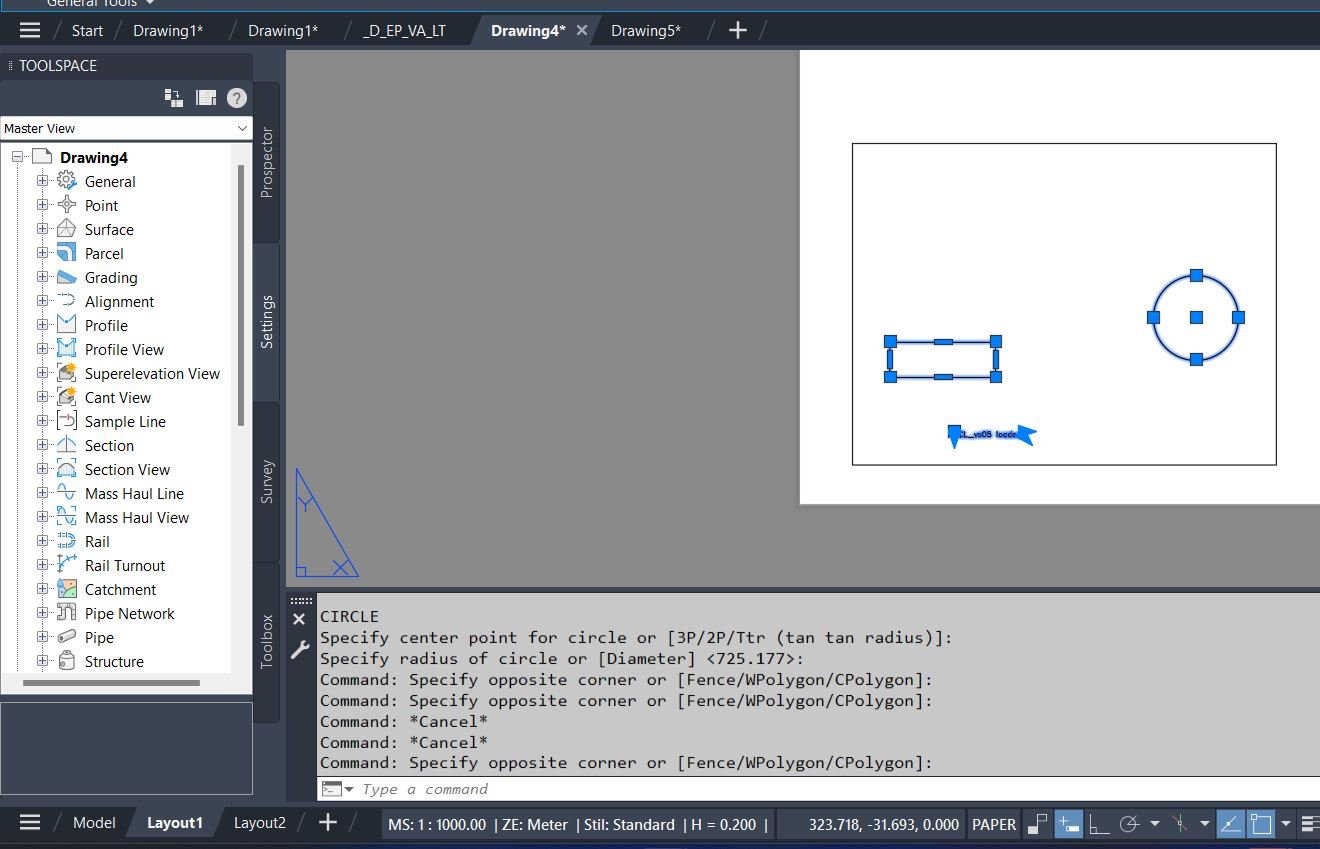
CopyPaper2Model
🔁 CopyPaper2Model is an AutoCAD and Civil 3D AutoLISP utility for transferring objects between Paper Space and Model Space through layout viewports.
📐 It uses viewport context, CHSPACE, VLA copy logic, layout filtering, and temporary DCL dialogs to preserve scale and placement during production drawing cleanup.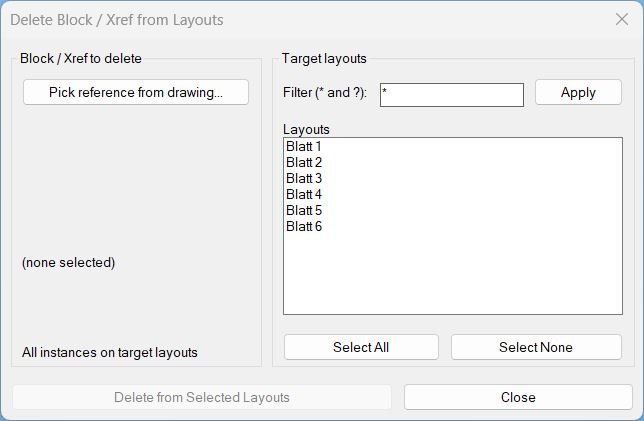
Delete2Layouts
🗑️ Delete2Layouts is an AutoCAD AutoLISP utility for deleting all instances of one selected block or xref from chosen paper-space layouts.
🗂️ It provides a temporary DCL dialog with layout filtering, Select All/None controls, and a clear delete workflow for layout-based cleanup.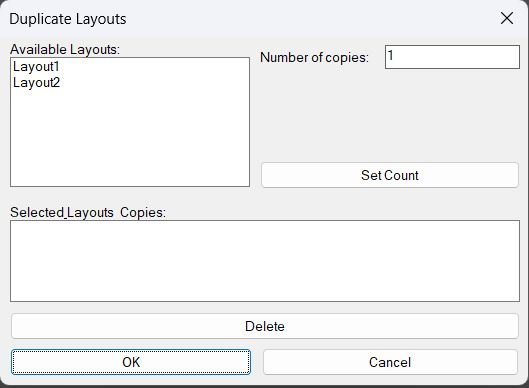
DuplicateLayouts_00
- Shows a DCL dialog to choose paper-space layouts and specify how many copies to create for each, then duplicates the selected layouts using the LAYOUT command.
- Provides a summary list where selected layouts and their copy counts can be reviewed and removed before running the duplication.
DuplicateLayouts_01
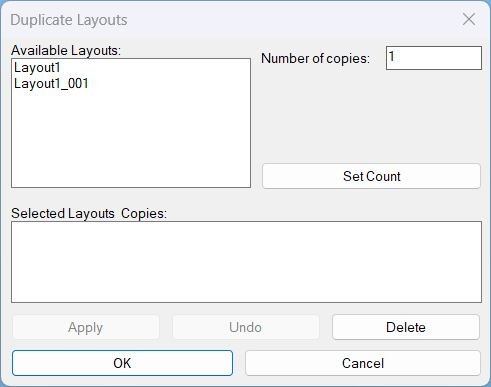
DuplicateLayouts provides a DCL Dialog_UI to queue layout tabs with copy counts, then batch duplicate them using -LAYOUT Copy with safe fallbacks and unique naming.GoToLayout
📑 GoToLayout is an AutoCAD and Civil 3D AutoLISP navigation utility for quickly switching to layout tabs through a filtered DCL dialog.
🔍 It supports wildcard layout searches, preview switching while browsing, Previous and Next navigation, and cancel-safe restoration of the original tab.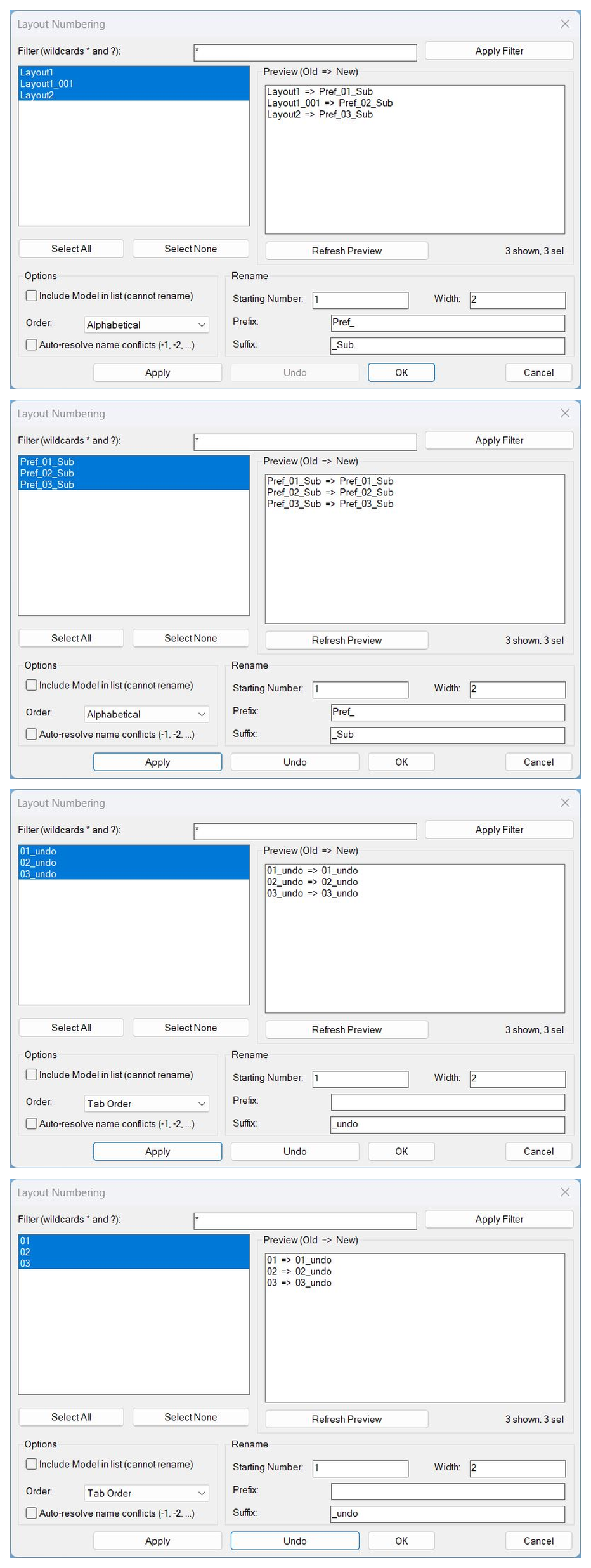
LayoutNum
🔢 LayoutNum is an AutoCAD and Civil 3D AutoLISP layout renumbering utility with a DCL interface, preview list, Apply, safe multi-level Undo, OK, and Cancel workflow.
📑 It helps rename selected layout tabs using starting numbers, padding width, prefix, suffix, order modes, filters, and automatic conflict resolution.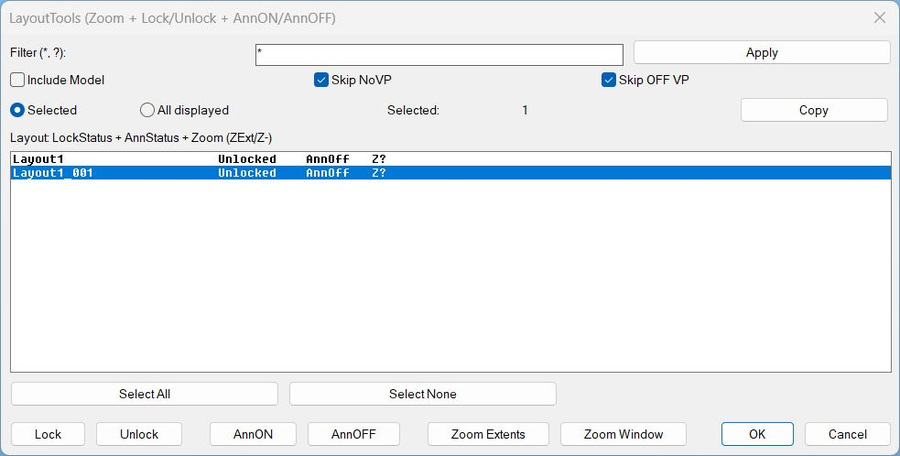
LayoutTools
🧰 LayoutTools is an AutoCAD and Civil 3D AutoLISP layout management dialog for zooming layouts, locking and unlocking viewports, and toggling ANNOALLVISIBLE.
📑 It supports filtered layout selection, selected or all-displayed scope, viewport lock status, annotation visibility status, zoom status tracking, clipboard copy, and batch paper-space operations.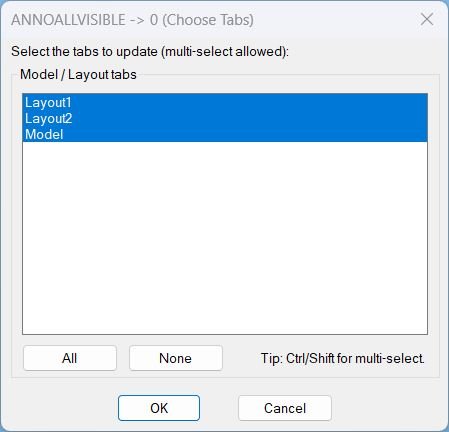
AnnoAllOff
🔇 AnnoAllOff is an AutoCAD and Civil 3D AutoLISP utility that sets ANNOALLVISIBLE to 0 for selected Model/Layout tabs through a DCL picker.
🎛️ It helps users turn off global annotative visibility per tab while keeping control over which layouts are updated.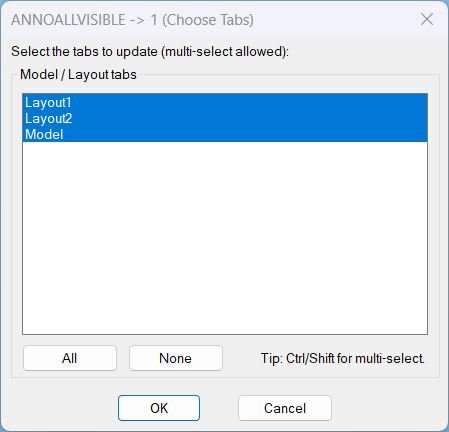
AnnoAllOn
- Opens a DCL picker to choose Model and Layout tabs, then sets ANNOALLVISIBLE to 1 on the selected tabs.
- Includes quick selection controls for All and None before applying changes.
AnnoAllOnOff
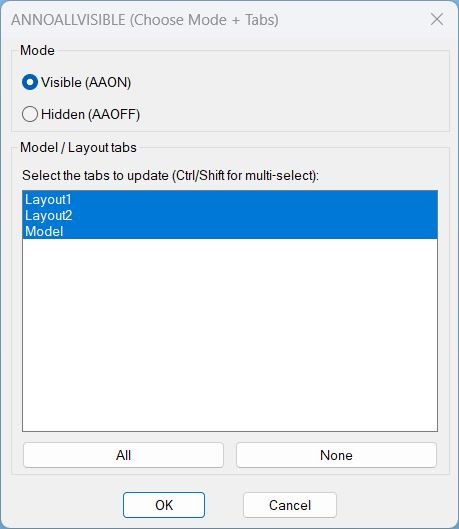
🔇 AnnoAllOff is an AutoCAD and Civil 3D AutoLISP utility that sets ANNOALLVISIBLE to 0 for selected Model/Layout tabs through a DCL picker.
🎛️ It helps users turn off global annotative visibility per tab while keeping control over which layouts are updated.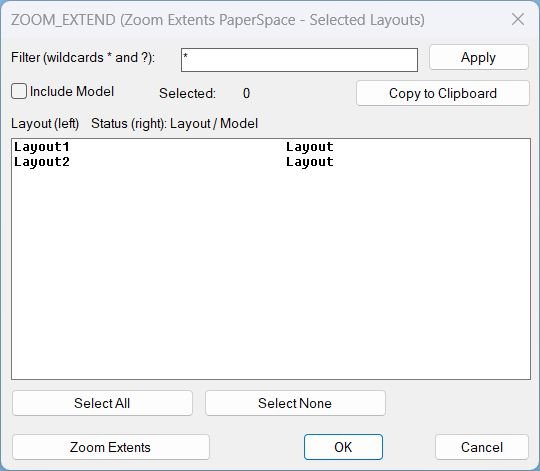
Zoom Extend
🔎 Zoom_Extend is an AutoCAD and Civil 3D AutoLISP utility for running Zoom Extents on selected layout tabs from a DCL interface. 📑 It helps clean up paper space view display across multiple sheets without manually opening every layout.
Zoom Extend Window
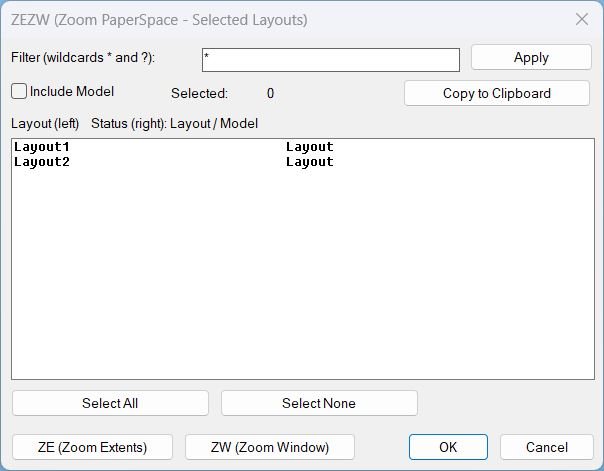
What this LISP does ZEZW opens a DCL dialog to multi-select layouts and then applies Zoom Extents or Zoom Window in Paper Space on the selected layouts. Key concept The zoom action runs after the dialog closes for stability and predictable execution.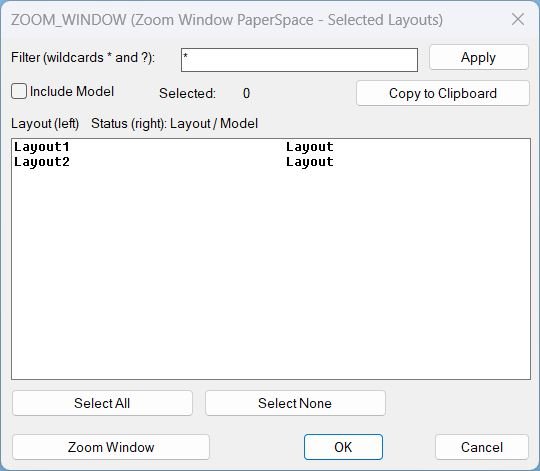
Zoom Window
🔎 ZEZW is an AutoCAD and Civil 3D AutoLISP layout zoom tool for running Zoom Extents or Zoom Window on selected paper space layouts. 📑 It includes wildcard layout filtering, multi-select, select all/none, and clipboard support.
LayoutVPOverrides
🎛️ AutoCAD VPLAYER batch override tool for applying viewport layer overrides across selected layouts.

LockAllVp
🔒 AutoCAD layout viewport lock manager for locking or unlocking PaperSpace viewports in selected layouts from a DCL dialog.
PageSetupAllLayouts
🖨️ PageSetupAllLayouts is an AutoCAD and Civil 3D AutoLISP plotting utility for batch-updating plotter configuration names across all paper-space layouts.
📄 The command loops through every layout except Model and changes each layout’s ConfigName based on the current configured plot device.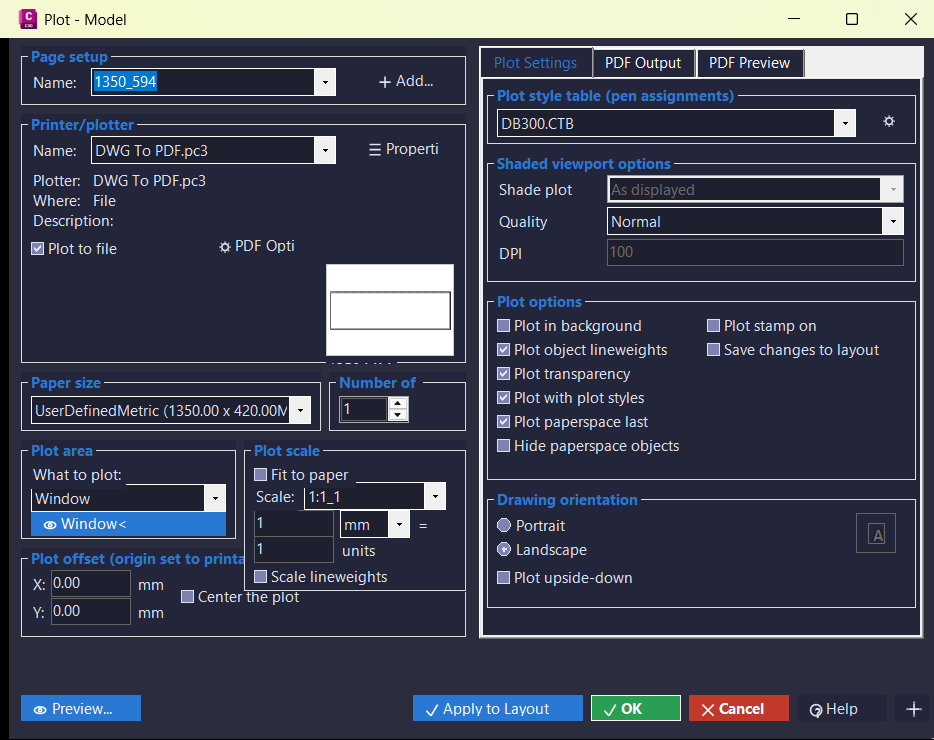
PlotExtra
🖨️ PlotExtra is an AutoCAD and Civil 3D .NET plotting interface that recreates and extends the plot dialog workflow with a styled WinForms UI. 📐 It includes layout preview, page setup controls, PDF project management, logging, and reusable C3D themed controls.
SelectLayout
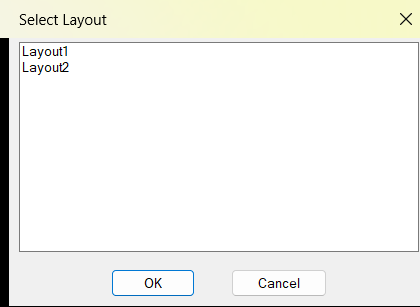
📑 SelectLayout is an AutoCAD and Civil 3D AutoLISP layout selector that displays all paper space layouts in a DCL dialog. ⚡ It helps users jump directly to the required layout tab without scrolling through many tabs manually.
TitleBlocksTools
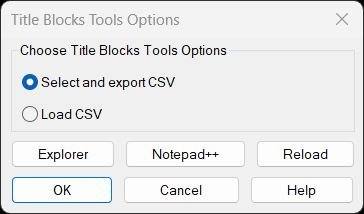
Title Blocks Tools – Unified Menu System Comprehensive dialog-based interface for exporting and updating titleblock attributes via CSV with integrated help, file management, and reload utilities.ViewportMatchOrientation
🧭 ViewportMatchOrientation is an AutoCAD and Civil 3D AutoLISP utility for matching paper space viewport orientation. 🔄 It copies the TwistAngle from one viewport to another so layouts can share the same rotated view direction.
VportsPoly2Rectang
🪟 VportsPoly2Rectang is an AutoCAD and Civil 3D AutoLISP viewport shape conversion manager. 🔄 It detects rectangular and polygonal clipped viewports across layouts, supports filters and selection tools, and converts viewport clipping boundaries with undo-aware batch controls.
FreezeLayersInVP
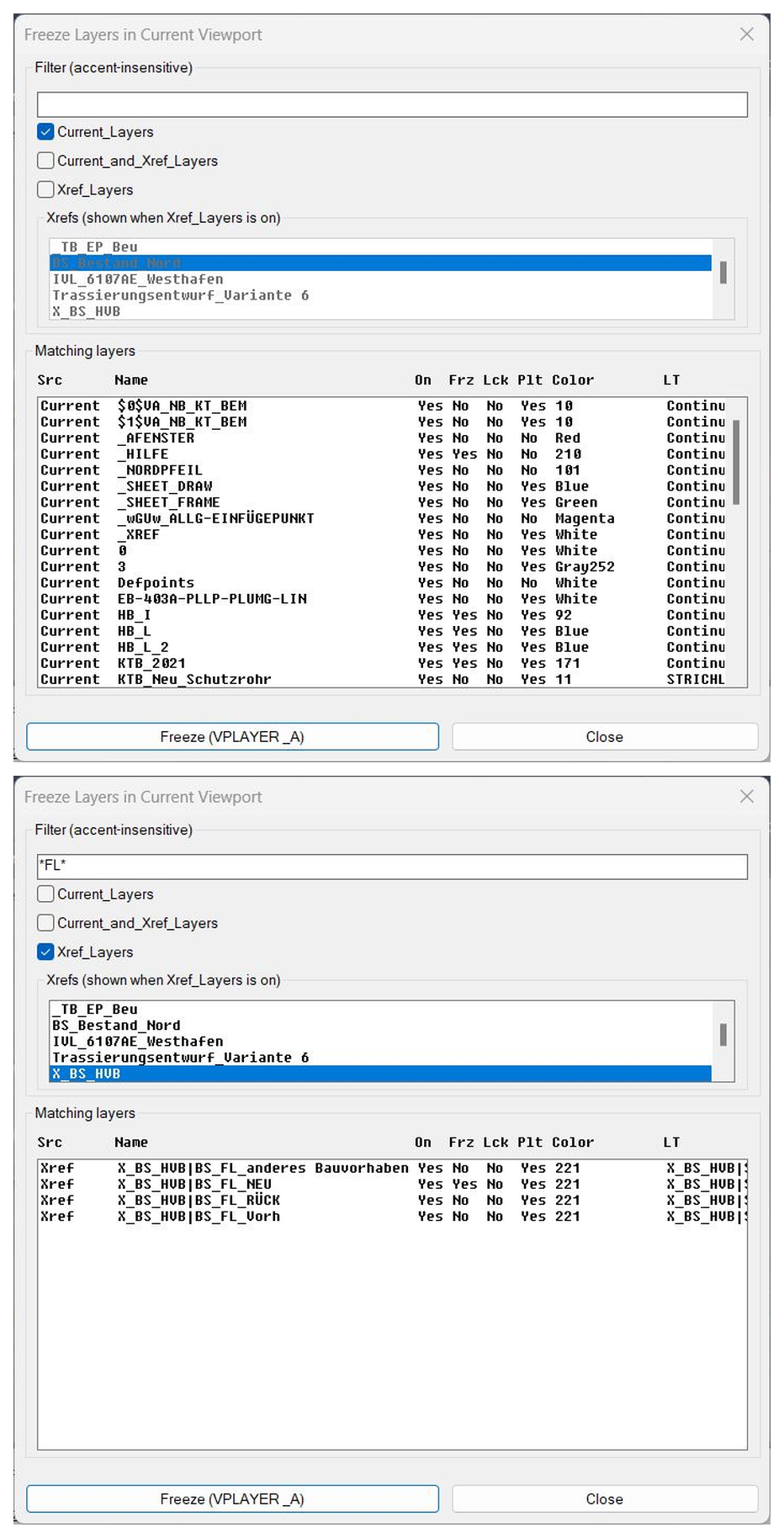
❄️ FreezeLayersInVP is an AutoCAD and Civil 3D AutoLISP layer-control utility for freezing selected current and xref layers in viewport workflows.
🧊 It provides a DCL layer browser with filters, xref selection, layer-status columns, and VPLAYER-based freezing for selected layer names.
Categories: AutoCAD_Lips
Tags: 🏷️ Autocad Lisps, 🏷️ Layouts_menu
Categories: AutoCAD_Lips
Tags: 🏷️ Autocad Lisps, 🏷️ Layouts_menu