
Short description
📐 MTM2 is an AutoCAD AutoLISP midpoint move and midpoint copy utility that relocates selected drawing objects from a source midpoint to a destination midpoint using UCS-aware coordinate transformation.
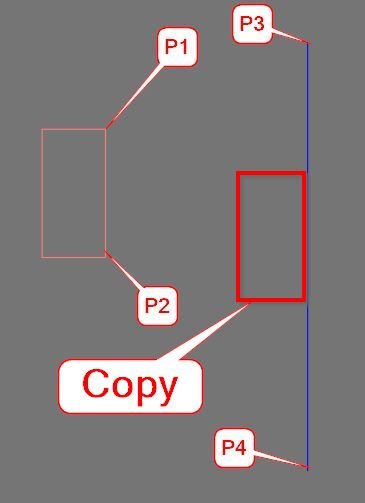
Command:
🧰 Main commands:
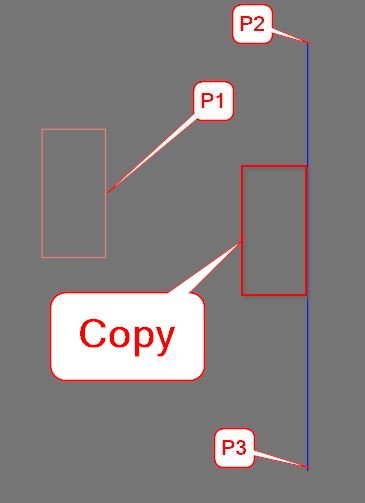
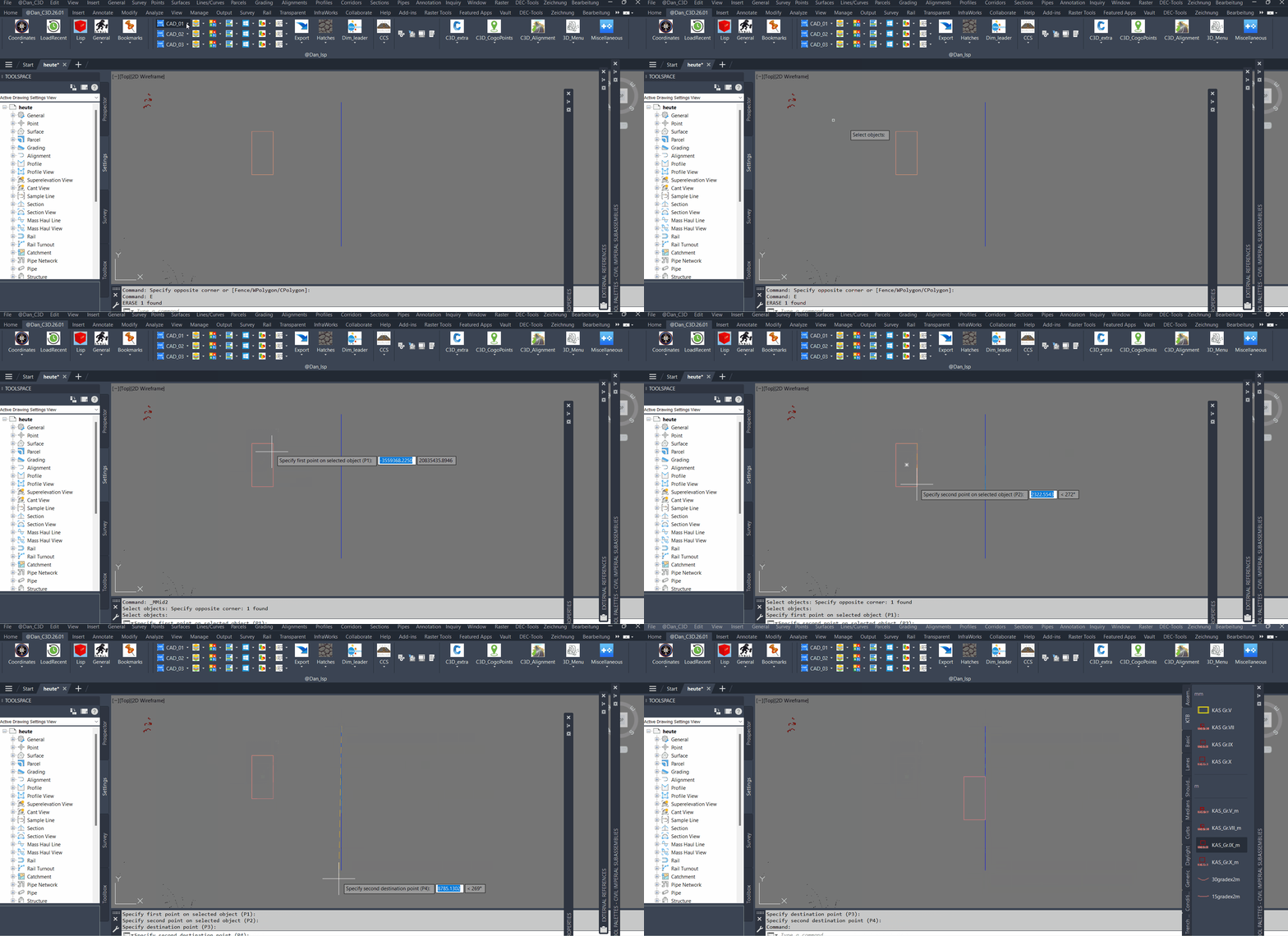
– MMid2 – move selected AutoCAD objects from a calculated source midpoint to a calculated destination midpoint.
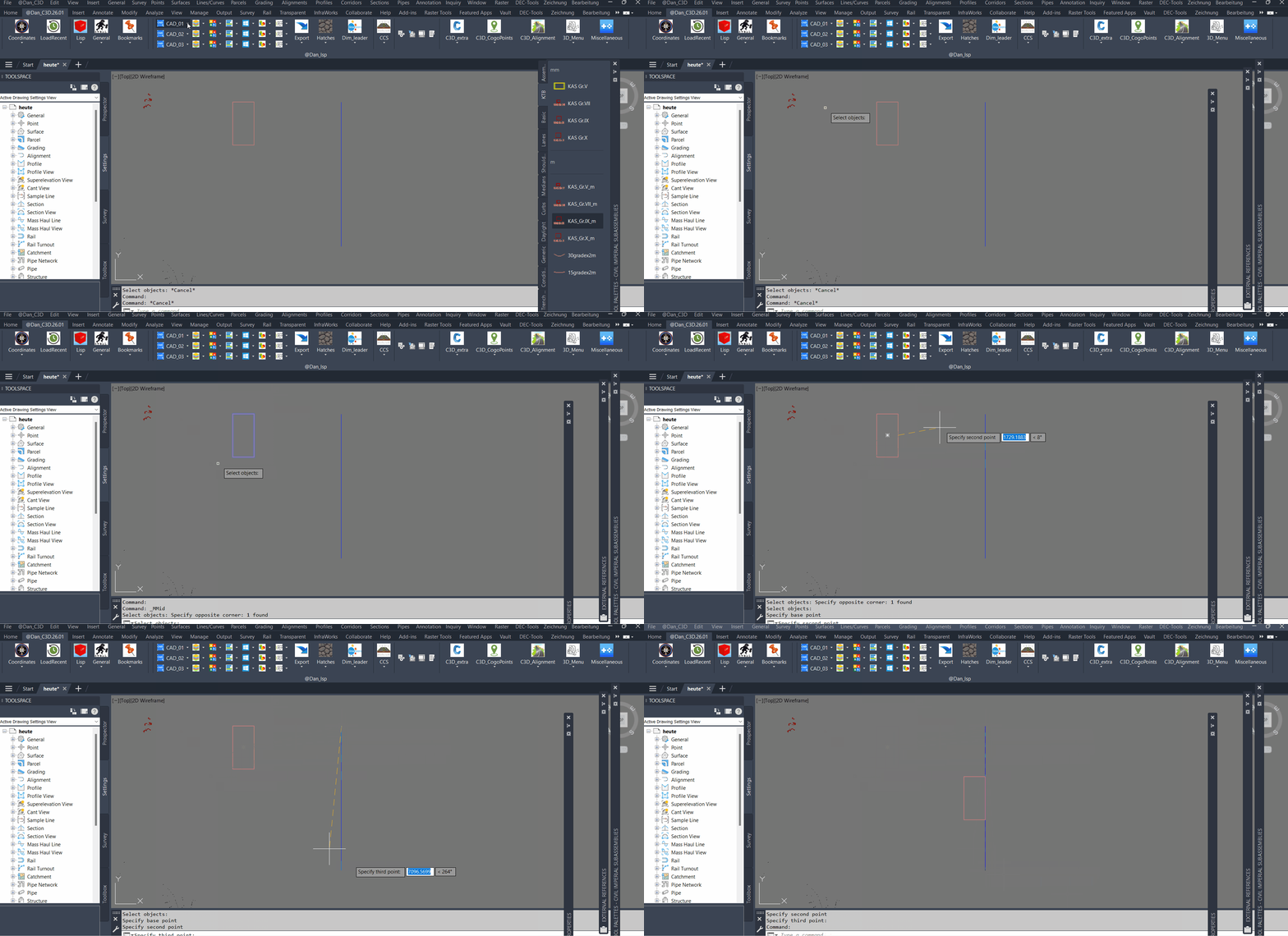
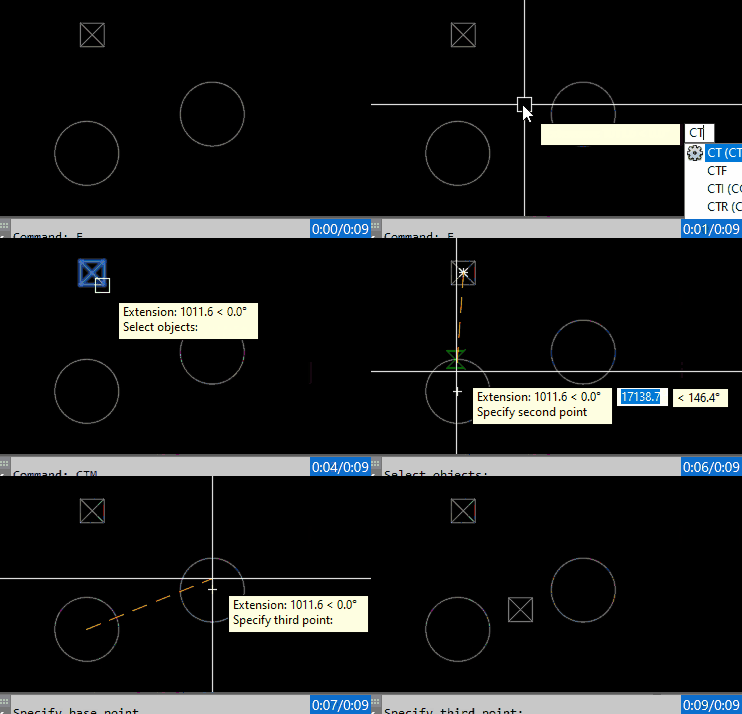
– CMid2 – copy selected AutoCAD objects and place the copied result from the same source midpoint to the destination midpoint.
Description:
🚀 MTM2 provides a fast midpoint-to-midpoint workflow for AutoCAD drafting and Civil 3D production drawings.
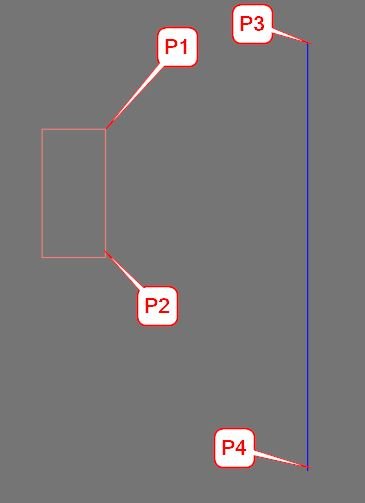
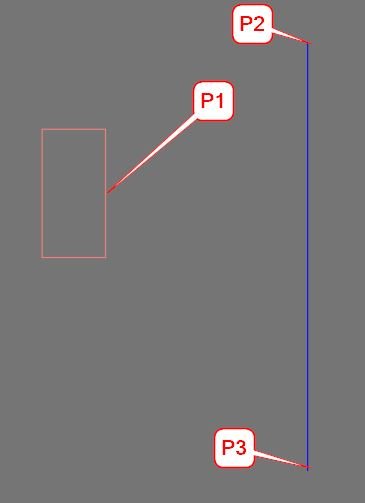
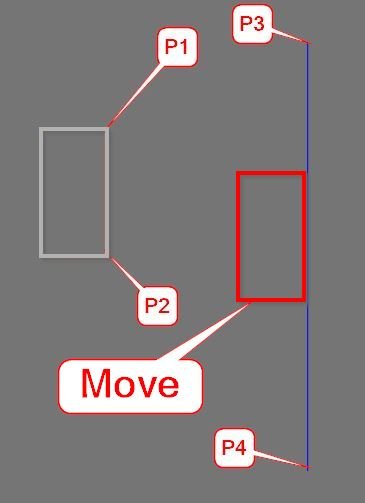
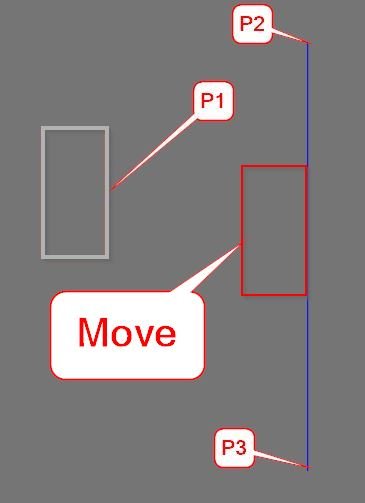
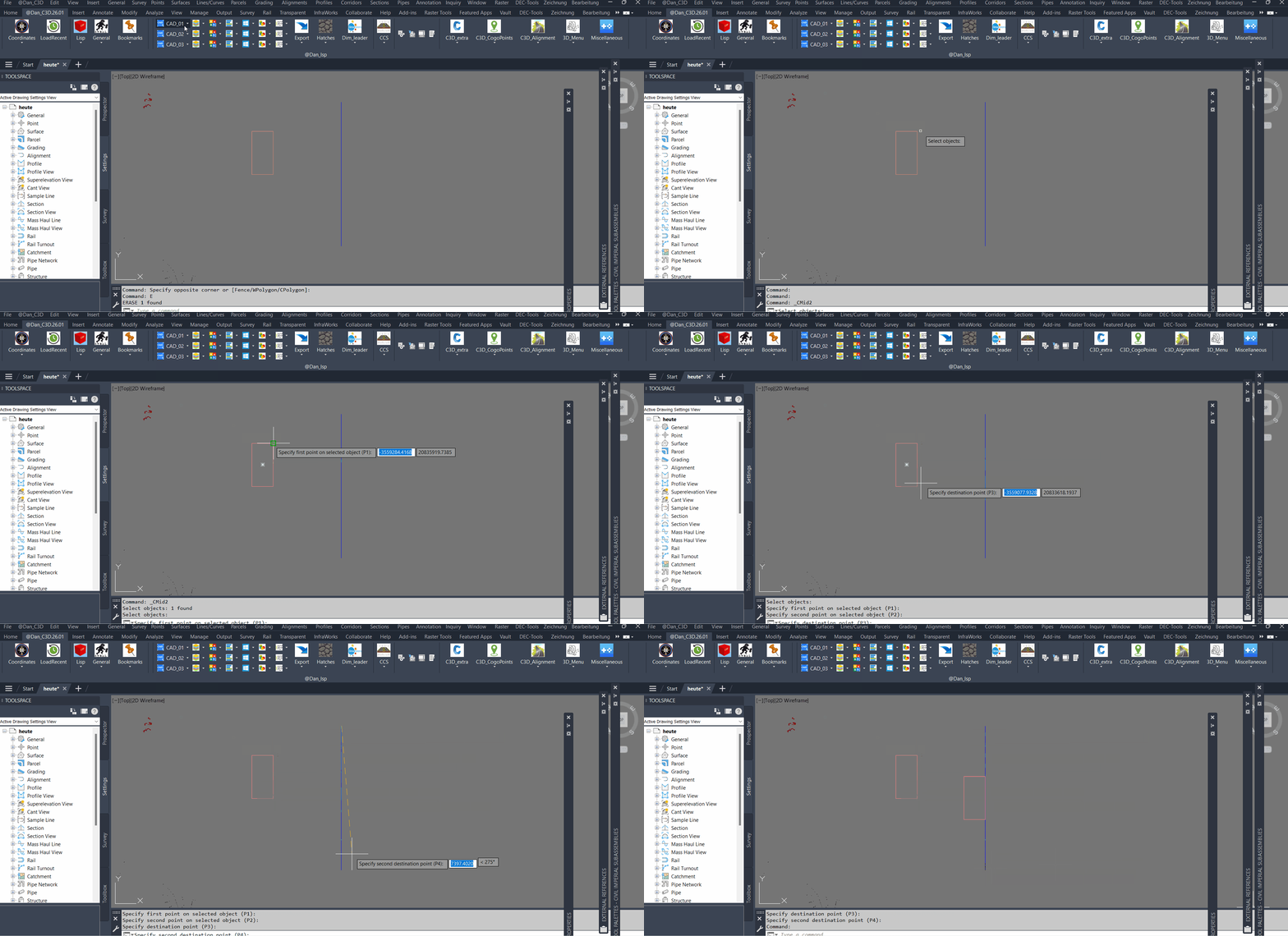
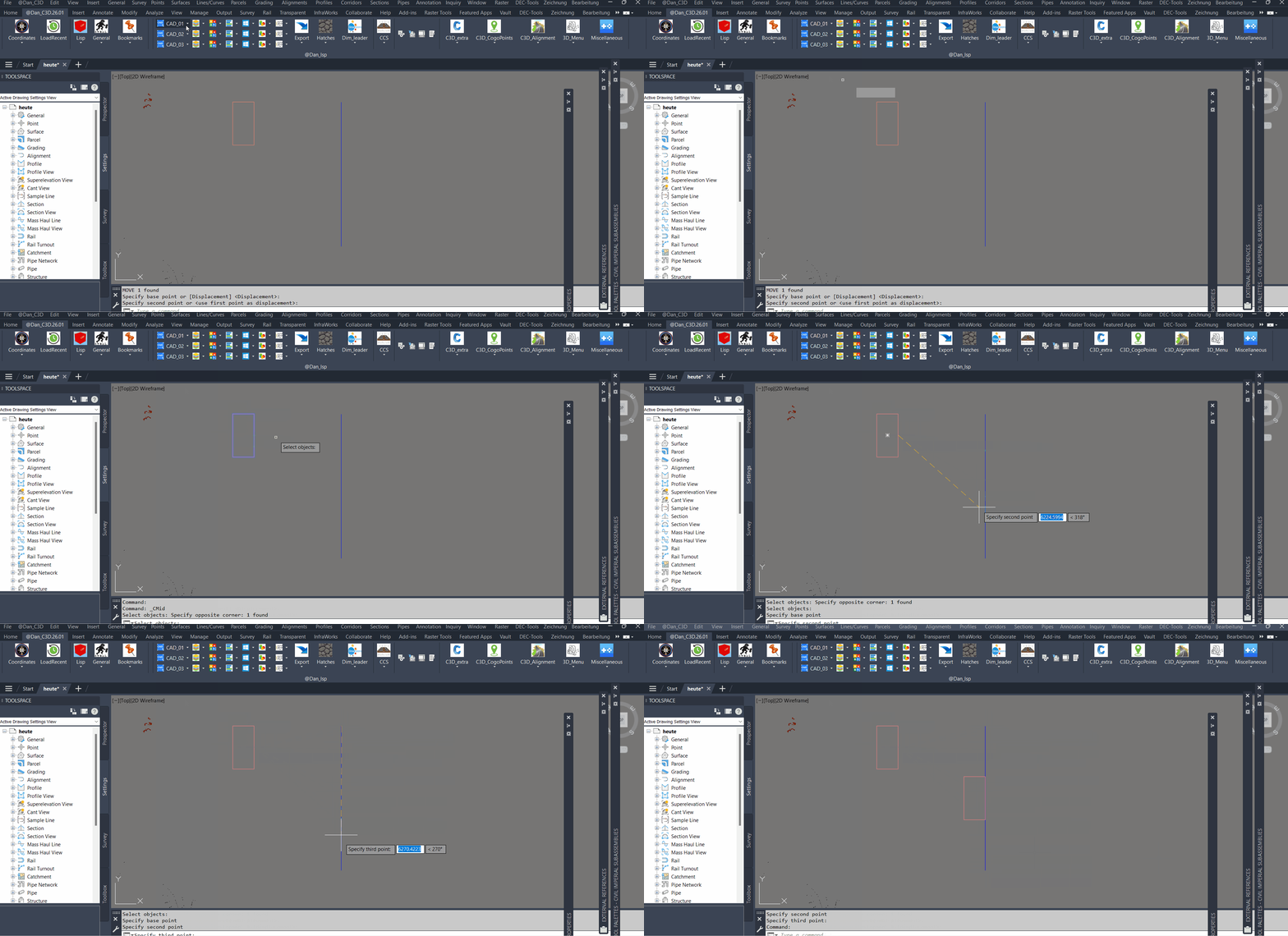
📌 The tool lets the user select one or more objects, define a source reference with two picked points, define a destination reference with two picked points, and then move or copy the selected objects by the calculated midpoint vector.
📐 The source midpoint is calculated from the Y values of P1 and P2 while preserving the X and Z values from P1. The destination midpoint is calculated as a full 3D midpoint from P3 and P4.
🔄 The resulting translation vector is transformed from UCS to WCS before applying the move or copy operation, making the workflow suitable for drawings using custom UCS orientations.
🧱 Objects on locked layers are skipped to avoid modification errors during batch processing.
Helper function: (if any)
🧩 Main internal function:
– MOVE_COPY_COMMON2 – shared move or copy routine used by MMid2 and CMid2.
🔧 Important AutoLISP and Visual LISP operations:
– ssget for object selection.
– getpoint for P1, P2, P3, and P4 reference picking.
– trans for UCS-to-WCS point and vector conversion.
– vla-move for moving objects.
– vla-copy for copy mode.
– vla-get-Layers and vla-get-Lock for locked-layer checking.
Functionalities:
✅ Select multiple AutoCAD drawing objects for midpoint-based relocation.
📐 Define a source midpoint using two picked reference points.
🎯 Define a destination midpoint using two picked reference points.
🔄 Move selected entities with MMid2.
📋 Copy selected entities with CMid2.
🌐 Respect the active UCS by transforming base point and vector data to WCS.
🔒 Skip objects located on locked layers.
🧰 Use a single shared engine for move and copy behavior.
Result:
✅ The result is a precise midpoint-alignment workflow for quickly moving or copying selected AutoCAD objects from one reference location to another.
🏗️ It is useful for CAD alignment, infrastructure drafting, block/object repositioning, profile or section drafting assistance, and repeated object placement where midpoint reference control is faster than standard manual MOVE or COPY workflows.
Images, animations etc.
Leave a Reply
You must be logged in to post a comment.