

Copy2Layouts
- Opens a dialog to pick objects once, then copies them to multiple selected paper-space layouts, showing only the total selected object count.
- Includes a wildcard layout filter and multi-select layout targeting with Select All and Select None actions.
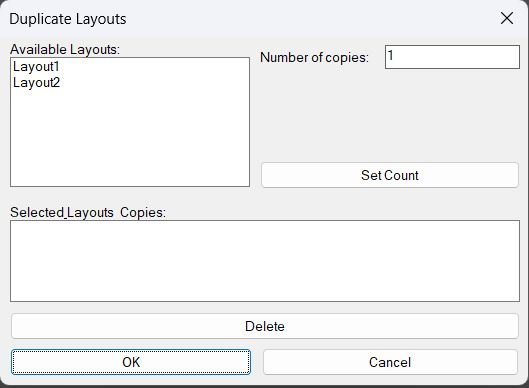
DuplicateLayouts_00
- Shows a DCL dialog to choose paper-space layouts and specify how many copies to create for each, then duplicates the selected layouts using the LAYOUT command.
- Provides a summary list where selected layouts and their copy counts can be reviewed and removed before running the duplication.
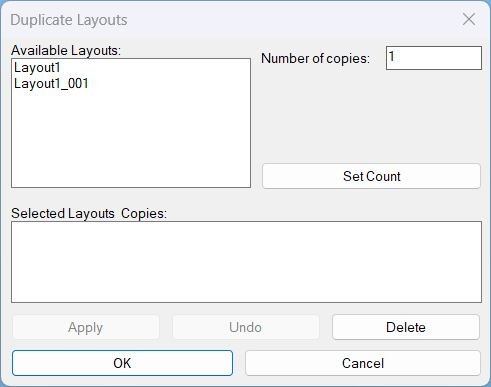
DuplicateLayouts_01
DuplicateLayouts provides a DCL Dialog_UI to queue layout tabs with copy counts, then batch duplicate them using -LAYOUT Copy with safe fallbacks and unique naming.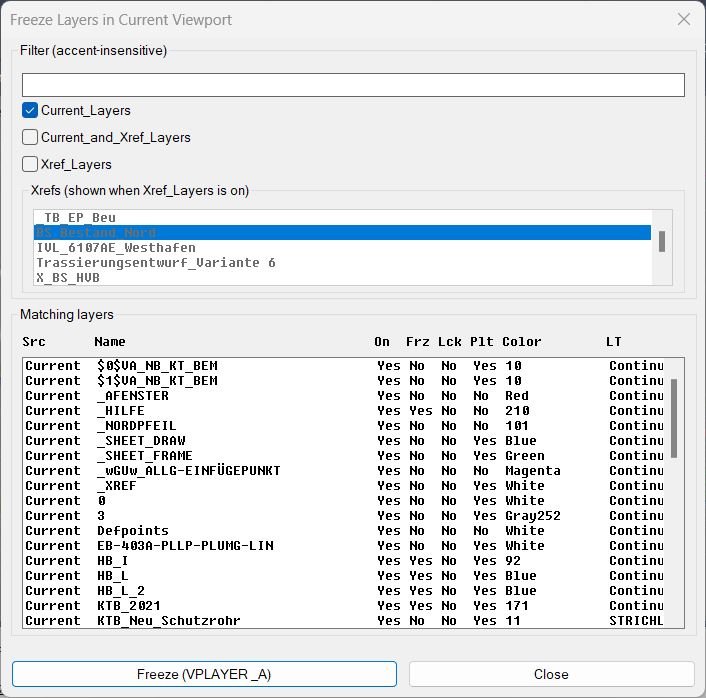
FreezeLayersInVP
- Shows a DCL dialog to filter and multi-select layers, then freezes the selected layers in the current viewport using VPLAYER.
- Supports filtering by Current layers, Xref layers, or Current_and_Xref, with an optional Xref picker and a fixed-width “faux columns” layer list.
GoToLayout
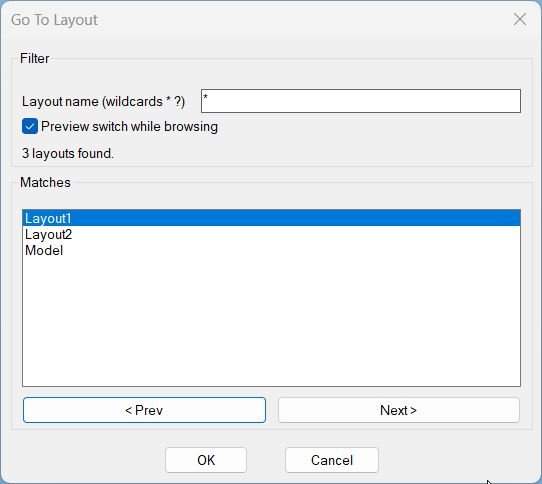
- Opens a DCL dialog to filter layout names with wildcards and quickly switch the current tab to the selected match.
- Includes optional preview switching while browsing and remembers the last used filter pattern across runs.
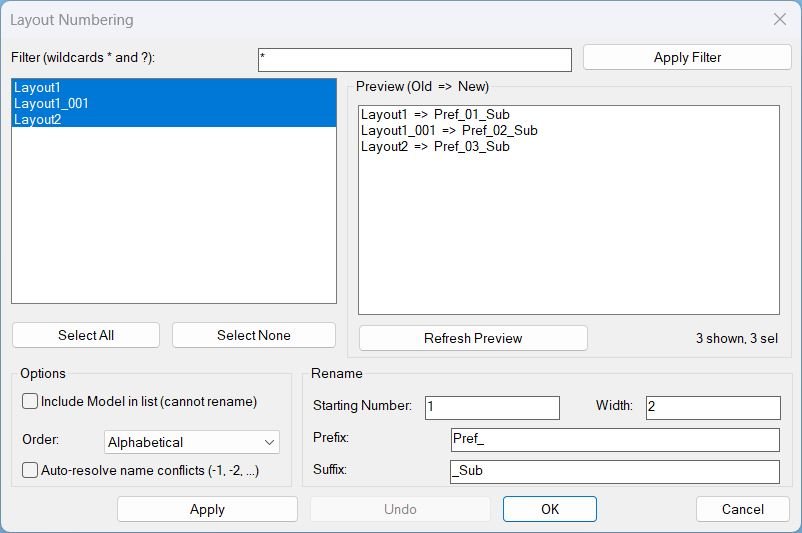
LayoutNum
- Provides a DCL dialog to batch rename layouts using sequential numbering with optional prefix, suffix, and zero-padding, with filtering and preview.
- Supports in-dialog Apply and multi-level Undo without calling AutoCAD UNDO from DCL callbacks, to avoid stability issues.
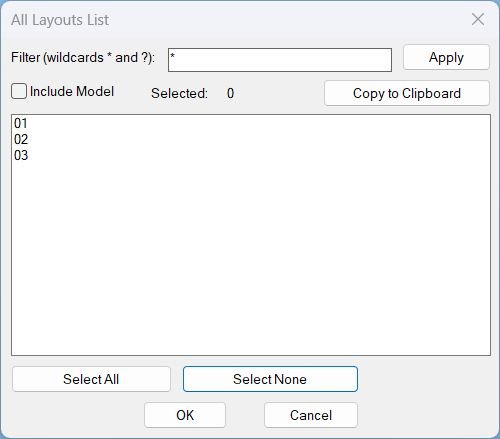
Layouts_list
- Shows a DCL dialog listing all layouts with wildcard filtering and multi-select, then copies the selected layout names to the Windows clipboard (one per line).
- Includes optional Model tab inclusion, selection count display, and Select All or Select None shortcuts.
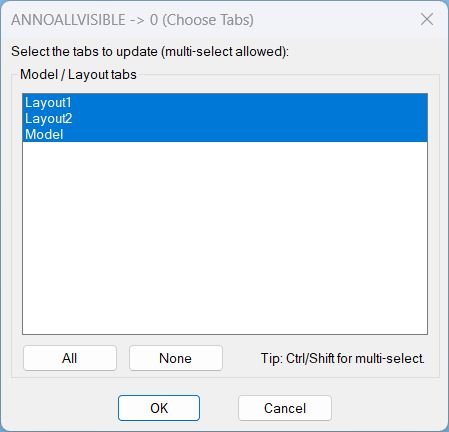
AnnoAllOff
- Opens a DCL picker to choose Model/Layout tabs, then sets ANNOALLVISIBLE to 0 on the selected tabs.
- Provides quick selection controls for All or None before applying the change.
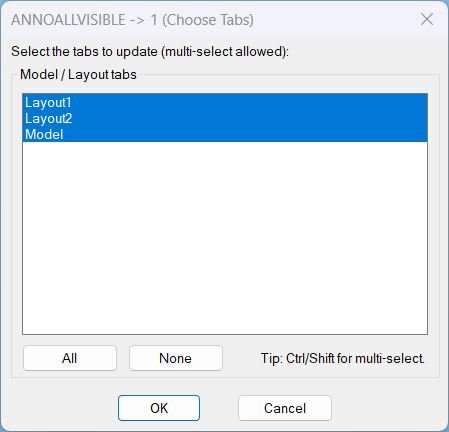
AnnoAllOn
- Opens a DCL picker to choose Model and Layout tabs, then sets ANNOALLVISIBLE to 1 on the selected tabs.
- Includes quick selection controls for All and None before applying changes.
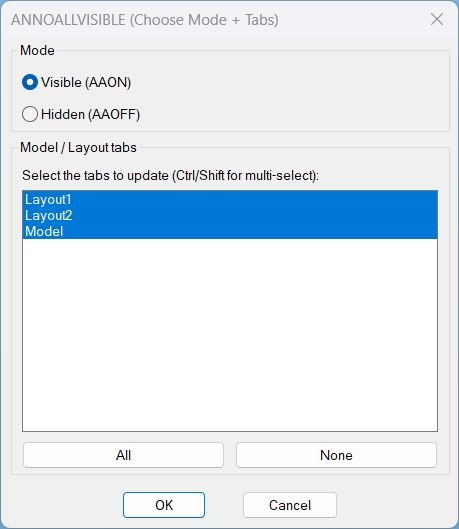
AnnoAllOnOff
- Single dialog that sets ANNOALLVISIBLE to 1 or 0 for a chosen set of Model/Layout tabs.
- Combines the functionality of AAON and AAOFF with mode radio buttons and tab multi-select in one UI.
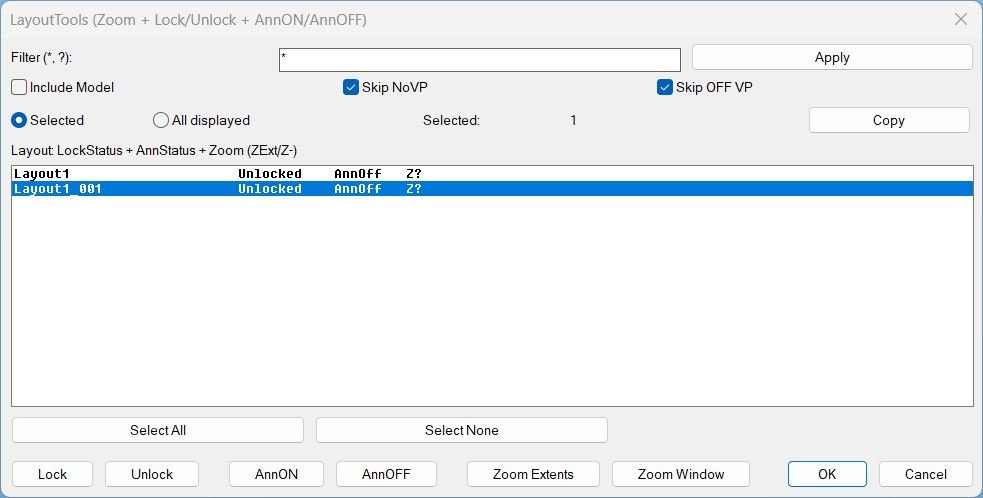
LayoutTools
LayoutTools manages layout tabs to batch Lock or Unlock viewports, toggle AnnON or AnnOFF, and apply Zoom Extents or Zoom Window in Paper Space across selected or displayed layouts, with status tracking stored in the DWG.
Zoom Extend
LZE summary LZE opens a DCL selection dialog for Layouts, then runs Zoom Extents in Paper Space on the selected layouts after the dialog closes. Key stability rule The zoom action is executed after the dialog closes to avoid UI timing issues.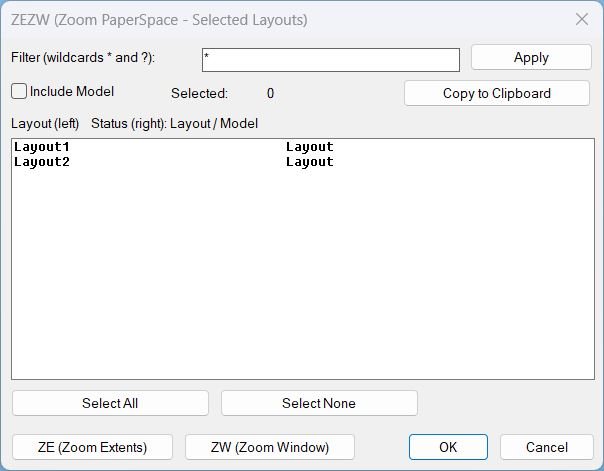
Zoom Extend Window
What this LISP does ZEZW opens a DCL dialog to multi-select layouts and then applies Zoom Extents or Zoom Window in Paper Space on the selected layouts. Key concept The zoom action runs after the dialog closes for stability and predictable execution.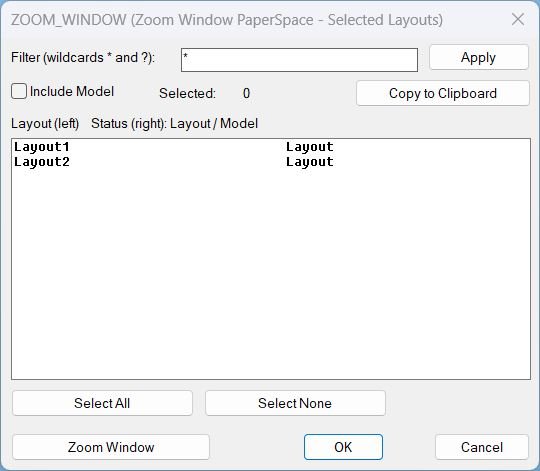
Zoom Window
LZW summary LZW opens a DCL selection dialog for Layouts, then prompts for a window and runs Zoom Window in Paper Space on the selected layouts after the dialog closes. Key stability rule The zoom action is executed after the dialog closes to avoid UI timing issues.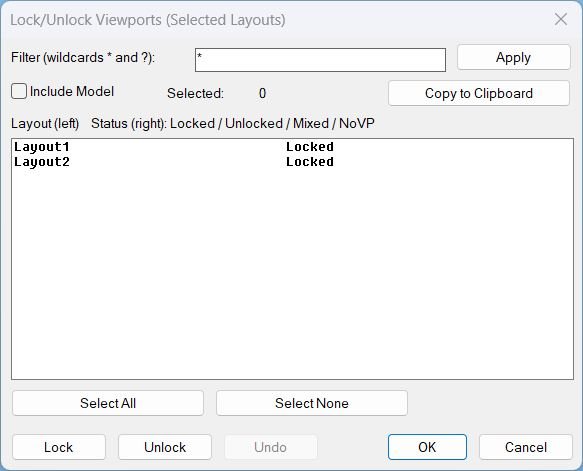
LockAllVp
Tags: Layouts, Paper Space, Viewports, DCL, Dialog_UI, Lisp, CAD, Clipboard Suggested tags not in list: ObjectARX, COM_Automation, Stability, Undo_Stack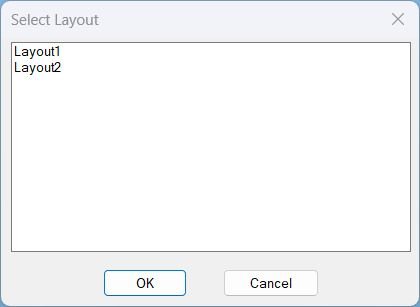
SelectLayout
Select Layout from Dialog Displays a dialog box listing all paper space layouts for quick selection and activation.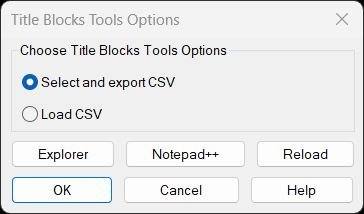
TitleBlocksTools
Title Blocks Tools – Unified Menu System Comprehensive dialog-based interface for exporting and updating titleblock attributes via CSV with integrated help, file management, and reload utilities.
Categories: AutoCAD_Lips
Tags: 🏷️ Autocad Lisps, 🏷️ Layouts_menu
Categories: AutoCAD_Lips
Tags: 🏷️ Autocad Lisps, 🏷️ Layouts_menu